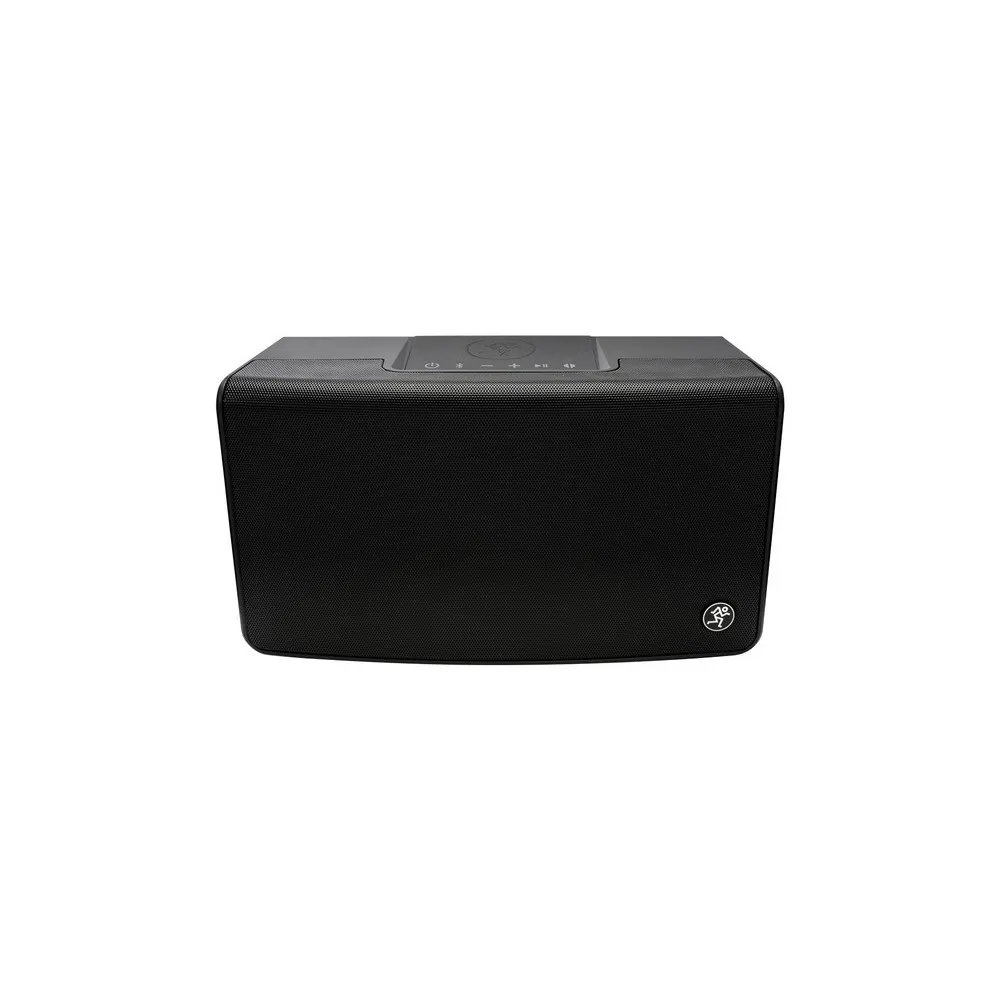
Mackie Cable Tester MTest-1
18.900
Product Highlights
- Connect All Your Favorites
- Visual Feedback
- Any Combo of Connectors
- Battery Powered
- Signal Probes
- Built-Like-A-Tank
Service & Delivery
Payment
Pay In Store / Online Payment
Delivery Time
Timeframe to be confirmed with supplier
Return Policy
7 Days easy return
Fulfillment
Store Pickup / Delivery
Product Description
Cable Tester
Whether you have a few or a mountain of cables, it pays to know which ones are good and which ones need to be tossed into the not so good pile. The MTEST-1 is an incredibly handy tool that can weed out the cables that may have seen too much action.
Test the most commonly used connector types in live sound and studio applications
- 1/4" TRS and TS
- 1/8" TRS and TS
- XLR
- RCA/Phono
- Speakon
- MIDI
- Banana
Quickly verify each pin via the 6-way switch
Manually check continuity with the supplied probes
Powered by a single 9v battery
Built-Like-A-Tank construction
Getting Started
The following steps will help you set up the MTest-1 Cable Tester quickly.
- Insert 9V battery.
- Connect one end of the cable to the proper input jack and the other end of the cable to the proper output jack.
- Rotate the knob to verify cable / battery / ground status
9V Battery
The MTest-1 will not work without a 9V battery installed, so that seems like a good place to start!
The battery cover is located on the front panel of the MTest-1 and easy to access. Simply lift up and out on the bottom tab of the removable battery case cover;it will slide out competely.
Line up the positive (+) and negative (-) terminals of the battery with the terminal listings printed on the bottom of the battery case cover. The terminal cutouts of the battery case cover are cut to size for convenience.
Battery Check LED
Every time a 9V battery is inserted into the battery case cover, the strength should be checked. Here's how: rotate the 6-way knob [6] to the far-right (Battery Check) position.
The battery check LED will illuminate green to indicate the strength of the battery. A brightly illuminated LED indicates a fully-charged (or close to fully-charged) battery while a dimly lit LED indicates a weaker battery that will need to be replaced soon.
Top Panel Input Jacks and LED
The top panel of the MTest-1 contains the following input jacks:
1/8" (3.5mm) TRS and TS
Attach one end of the cable into the 1/8" (3.5mm) jack and the other end into the other 1/8" (3.5mm) jack.
Banana / Continuity
Probes are included with each MTest-1. Attach the banana plug end of each probe to the banana jack connector of the MTest-1; they are color-coded for convenience.
Use the probe end of the cables to test continuity between any two points. When continuity occurs, the LED will illuminate yellow and a high-pitched beep appears. As an added bonus, your dog(s) will wonder what's going on, as well.
Ground LED
The ground LED will illuminate red to (1) indicate that the corresponding contact and chassis are properly grounded or (2) indicate that there is a short circuit from the pin to the shell.Non-Cable Tester Knob and LEDs
What makes our cable tester way cooler than the competition is that ours lets you check other things, as well. Do you want to check the fridge? How about the weather? Your schedule and tire pressure? This is the place!
Rotate the endless knob to check out non-cable functionality. If all is in standing order, the green LED (above-left) will illuminate... but if something is amiss, the red LED (above-right) will illuminate. Mine always illuminates green except when bank account is the selected choice... gotta get that changed!
6-Way Knob
This knob may be rotated to check the cable status of pin inputs 1-5, as well as the ground connection (far left) and battery strength (far right).
Side Panel Input Jacks
The side panels of the MTest-1 contain the following input jacks (from top to bottom). Attach one end of the cable into the compatible jack and the other end into the other (compatible) jack. Note that all connectors are female except the XLR which has both a female and male jack:
- 1/4" (6.35mm) TRS and TS
- MIDI
- RCA / Phono
- XLR (M / F)
- Speakon
Input / Output:
- 1/4" TRS / TS Female Bal - Unbal
- 1/8" TRS / TS Female Bal - Unbal
- XLR Female Bal - Unbal
- XLR Male Bal - Unbal
- RCA / Phono Female Bal - Unbal
- Speakon Female Bal - Unbal
- MIDI Female Bal - Unbal
- Banana / Continuity Female Bal - Unbal
Power Requirements
- Internal: 9V Battery
Display LEDs
- Banana / Continuity,
- Ground, Battery Check,
- Pin verification
Size and weight
- Height: 2.7 in / 69 mm
- Width: 6.5 in / 165 mm
- Depth: 4.8 in / 122 mm
- Weight: 1.4 lb / 0.6 kg